
Block Read and Write access to USB Intune
This post will help you create settings so that users will not be able to access
USB, Floppy, or CD/DVD-ROM Drives with their potential harmful virus or software.

Why?
If you disable Read / Write access to floppy (OLD SCHOOL) CD/DVD or USB, you potentially block users from unknowingly putting your systems at risk. By blocking virus and unsupported software into your computers. I know you already have PIM in palce right? But if you like most, still have something running, giving users administrative access you don’t know what users bring into your systems.
Step by step
Step 1: Access Intune Admin Center (https://intune.microsoft.com/#view/Microsoft_Intune_DeviceSettings/DevicesWindowsMenu/~/configuration)
If https://intune.microsoft.com just Navigate to Devices > By Platform > Windows > Configuration.
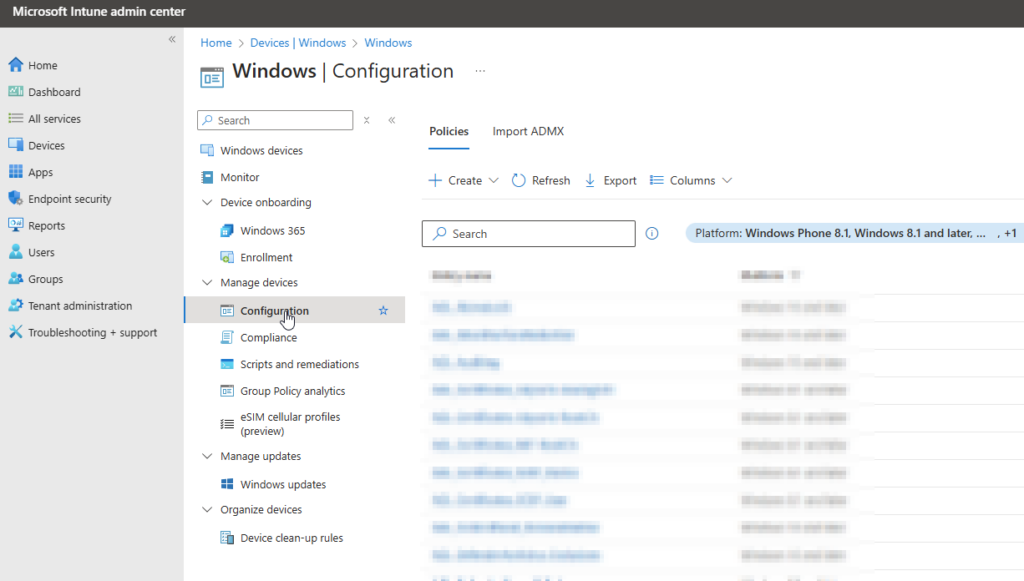
Step 2: Create new configuration policy
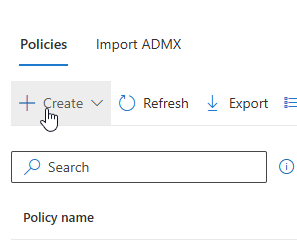
Click “Create”
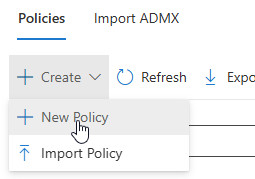
Click New Policy
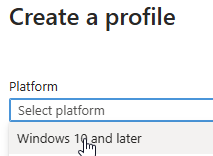
In “Platform” select Windows 10 and later
In “Profile type” select “Settings catalog” and click “CREATE”
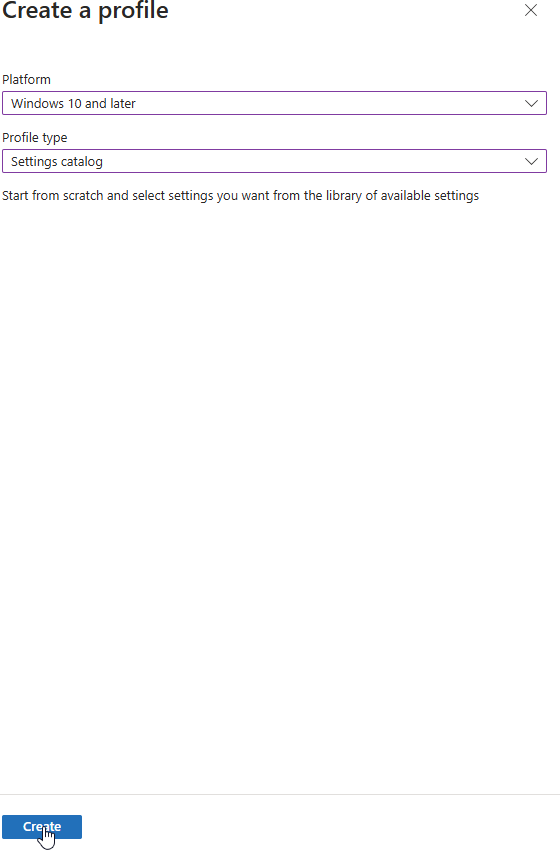
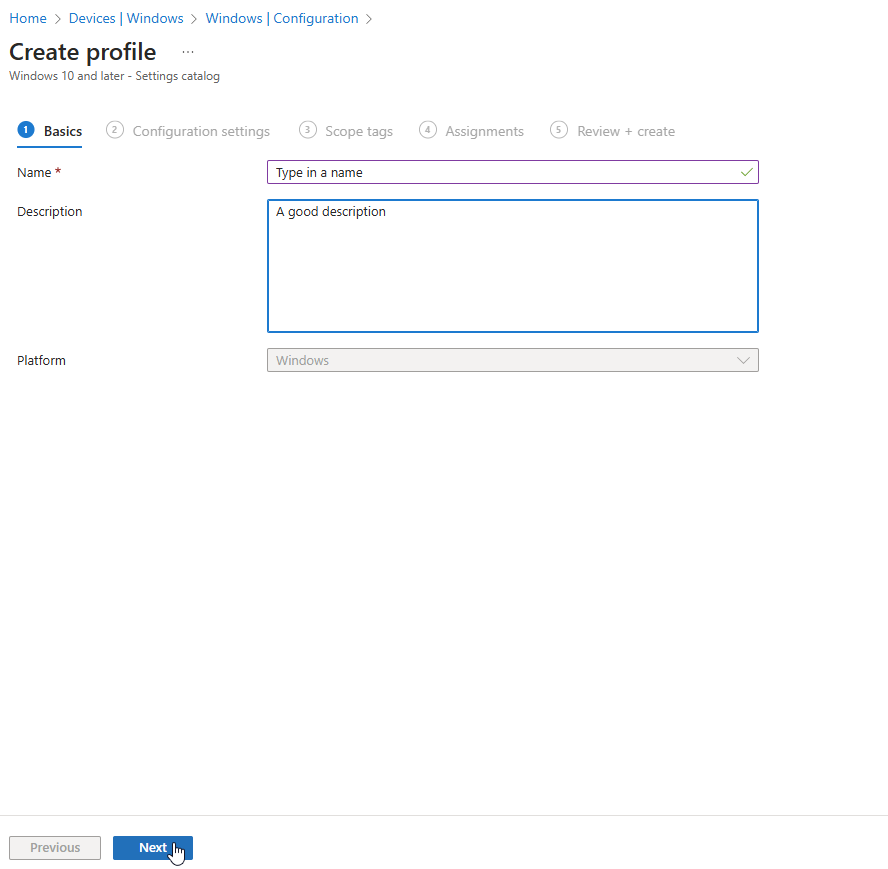
Give the profile a name and remember to give a good description, as this helps others to know more on what the policy is setting. and click “NEXT”
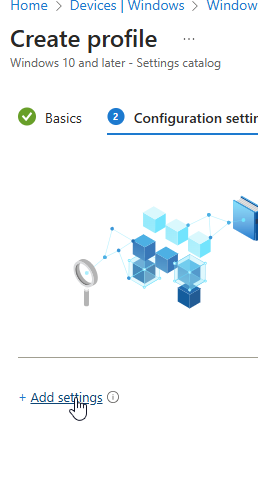
Click on “Add settings”
Search for Removable storage in the top search bar. and click “Search”
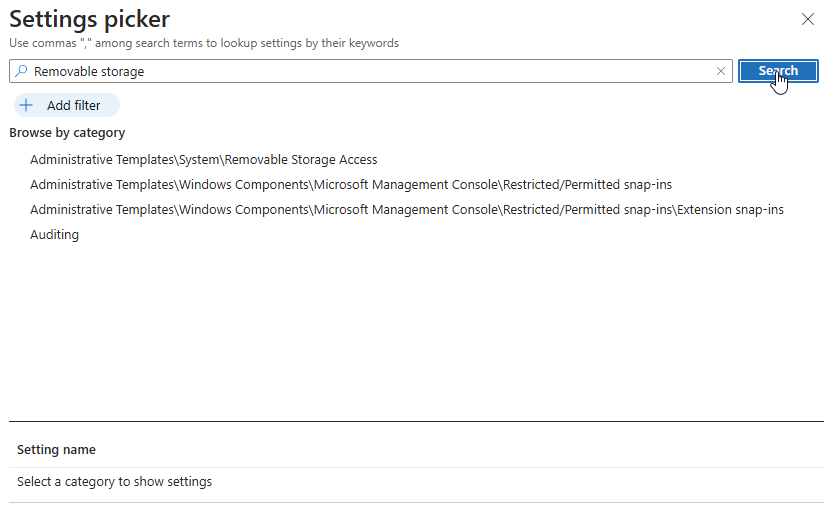
Select “Administrative Templates\System\Removable Storage Access
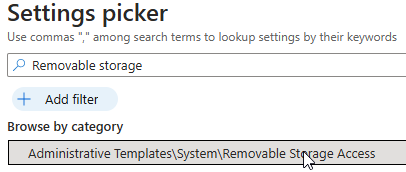
When selected, In the bottom part you can click “Select all these settings” og just pick
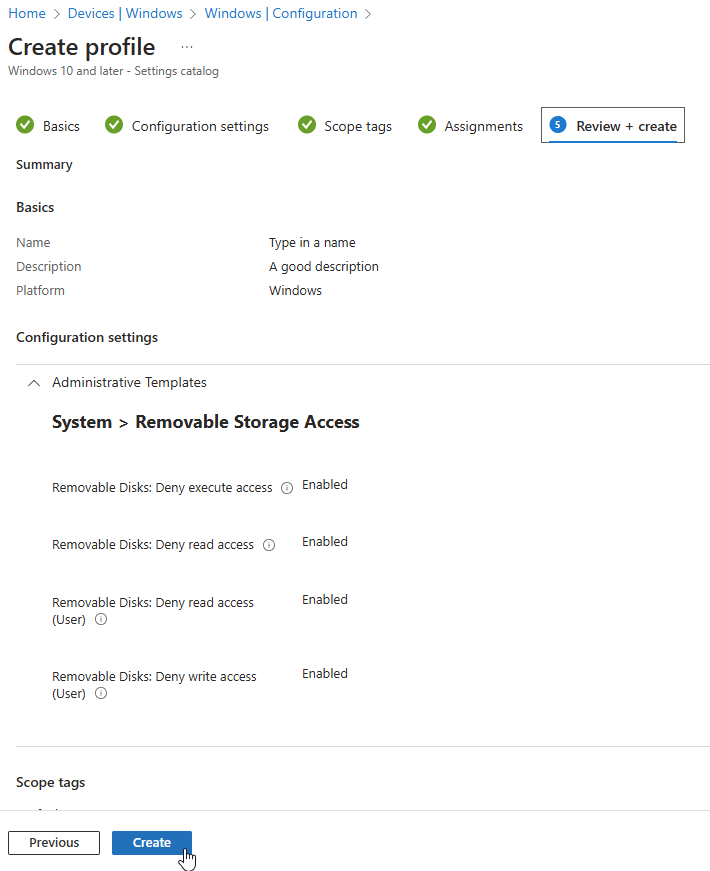
Removable Disks: Deny execute access
Removable Disks: Deny read access
Removable Disks: Deny read access (User)
Removable Disks: Deny write access (User)
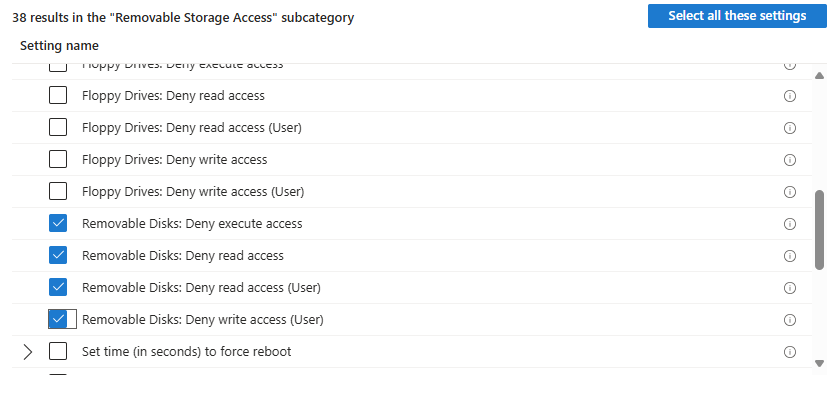
When selected you get more options for configuring selected. at the left side
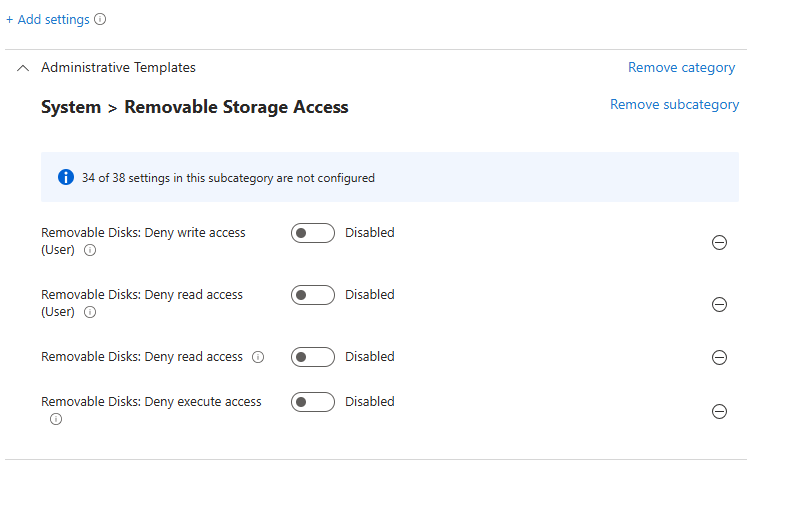
When selected what you want (here enabled)
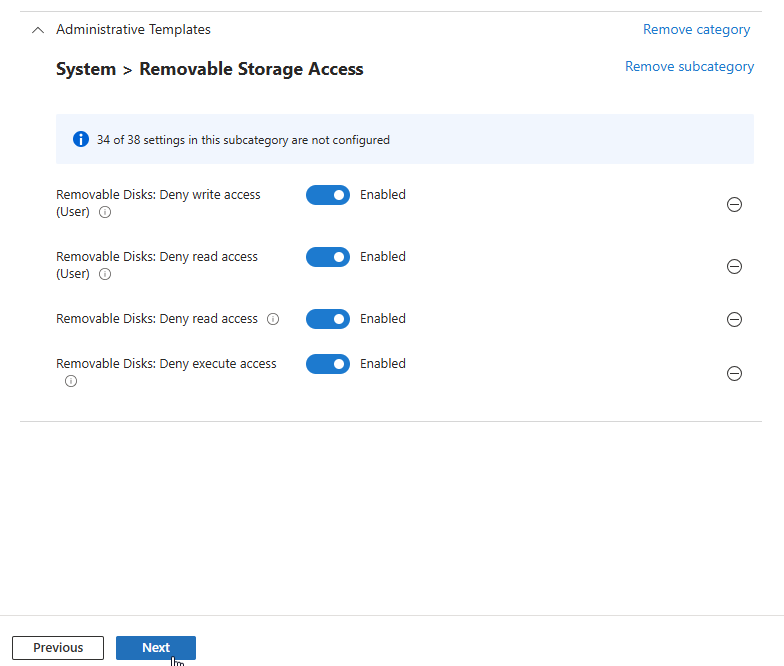
Click “NEXT”
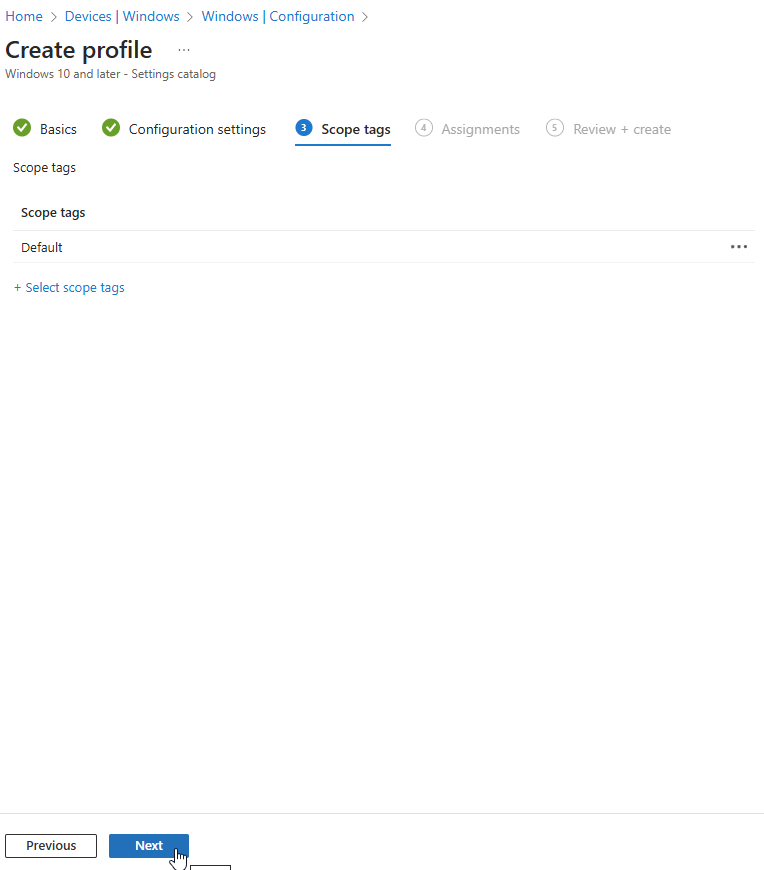
Select Scope tags (If you have any) Default is default 🙂 Click “NEXT”
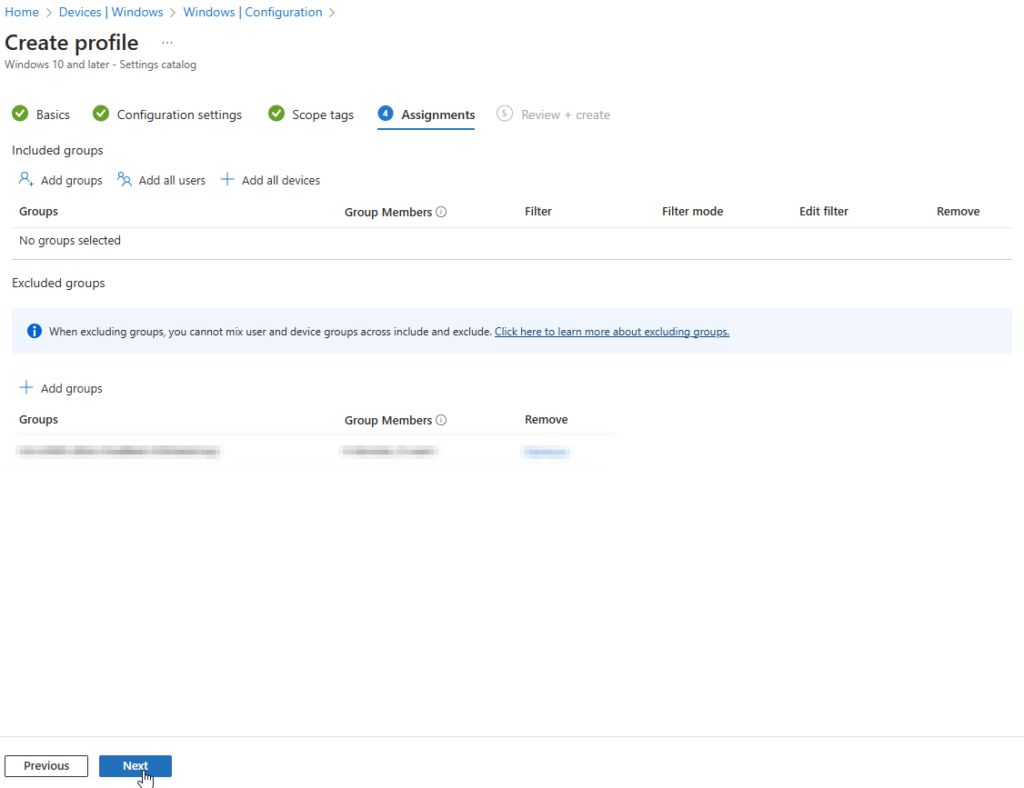
In the Assignments, select a group you want this configuration to apply and click “NEXT”
in the Review + creste, remember to chck your settings and then click “CREATE”
You are now done, hope this helps you.
You are now more in control of what you have inside on your network. And you are more “in tune” with your systems. Remember this only blocks Read/Write access in Windows, NOT booting from USB. and that way accessing USB removable storage.